Word Count in a PDF: Selectable Text and Scanned Documents
Blog / DOCUMENTS
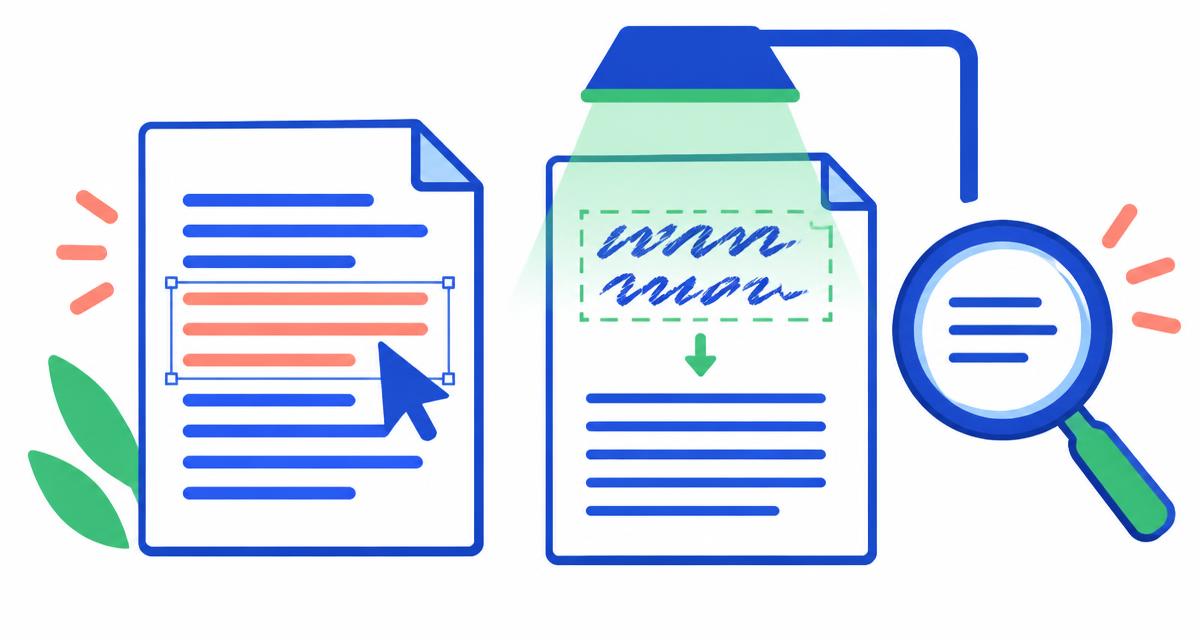
The simplest way to count words in a PDF is to copy its selectable text into a word counter. If the pages are scanned images, you need optical character recognition (OCR) first. A PDF's page count alone cannot tell you its word count.
First, check whether the text is selectable
Open the PDF and try selecting a sentence with the text-selection tool. Copy it into a plain-text editor. If you get readable words, the file contains extractable text. You can then copy the passages you need into Top Word Counter.
If selecting produces only an image, or copying produces no readable text, the page may be a scan. A restricted PDF may also prevent copying. Do not bypass document restrictions; ask the owner for an accessible text version or permission.
Count an ordinary text PDF
Select and copy the required text, paste it into the counter and inspect the beginning and end to confirm that both arrived. For a long file, checking page by page can help identify missing passages.
Watch the reading order. Two-column papers may paste across columns, and repeated headers or page numbers may appear in the extracted text. Delete material your submission rules exclude before recording the count. Do not delete genuine captions or footnotes merely to reduce the number.
Convert the PDF to Word when copying is awkward
Adobe's PDF word-count guide describes converting the PDF to Word and using Word's count. This is often convenient when you need a full document rather than a short selected passage. Conversion is not the same as a guarantee that every word was preserved.
Compare the converted file against the original. Inspect tables, footnotes, text boxes and column boundaries. Word's inclusion settings can affect the result too, so document what you counted if the number is used in a formal submission.
Use OCR for scanned pages
OCR recognizes printed characters inside an image and turns them into text. Run the scan through a trusted OCR application, then count its extracted text. Top Word Counter counts pasted text; it does not directly extract PDFs or perform OCR.
Check ambiguous characters, broken lines and missing pages. A fuzzy scan can turn a word into several fragments or lose it altogether. Keep the original nearby and proofread the extracted version before calling the result exact.
Fix common extraction problems and protect private files
A line-end hyphen can split a single word across lines. If the PDF copies 'inter-' and 'national' onto separate lines, compare with the original before rejoining them. Page headers and repeated footer text can inflate totals. Mathematical notation and image labels may need manual review.
For confidential contracts, unpublished research or personal records, choose an approved local application rather than uploading the whole PDF to an unknown converter. The pasted-text calculation on this site runs locally in your browser; this does not make an unrelated third-party OCR service private.
Frequently asked questions
Can I estimate PDF words from the number of pages?
Only roughly. Fonts, columns, images and blank pages change the number of words per page. Extract and count the text for a document-specific total.
Why does the PDF count differ from the original Word file?
Extraction may add headers, split hyphenated words or miss text. Different tools may also include different document areas.